ZIP9 Data Viewer
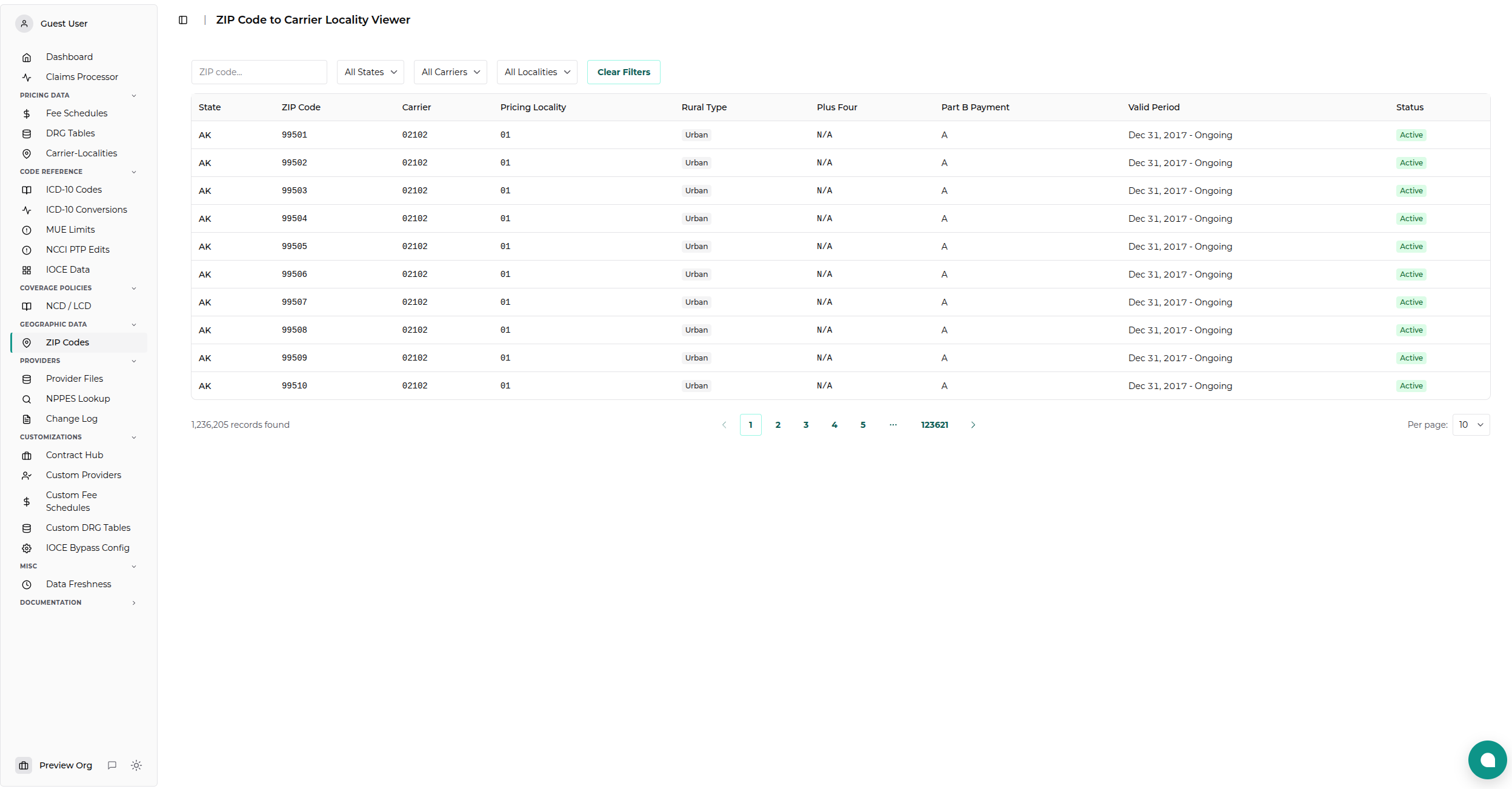
The ZIP9 Data Viewer allows you to explore the CMS ZIP Code to Carrier Locality mappings. This tool is essential for determining the correct Medicare pricing locality for any given ZIP code in the United States.
Overview
Medicare payments vary by geographic location. To determine the correct payment amount, you must first map a patient's ZIP code to a Carrier and Pricing Locality. This viewer provides a searchable interface for the official CMS "ZIP9" files.
Accessing the Viewer
- Navigate to Geographic Data → ZIP Codes from the main sidebar.
- Select ZIP9 Data.
Searching and Filtering
The viewer provides several filters to help you find specific records:
| Filter | Description |
|---|---|
| State | Filter by US State or Territory. Selecting a state will filter the available Carriers and Localities. |
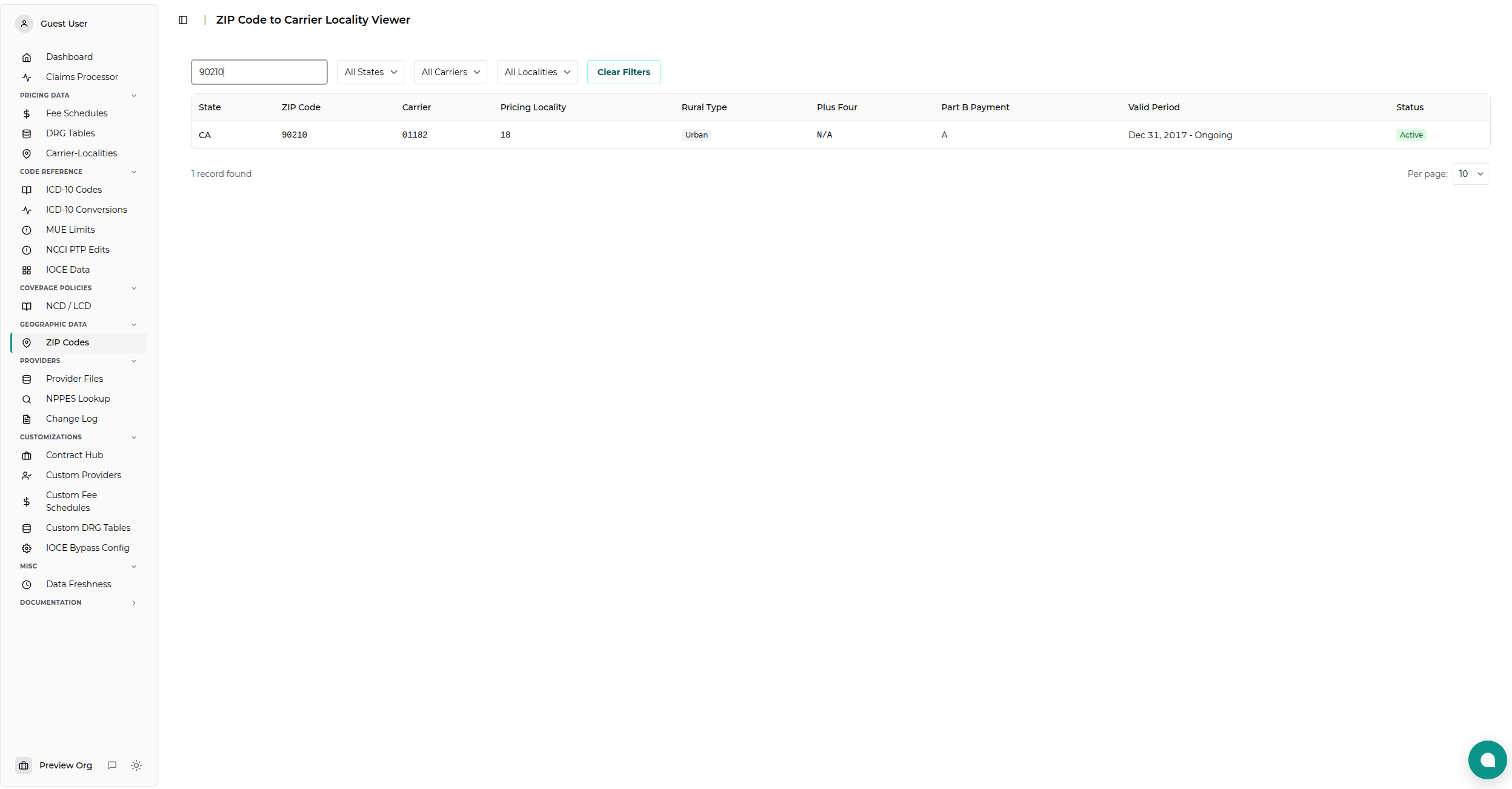
| ZIP Code | Enter a full or partial ZIP code (e.g., "90210" or "606"). |
| Carrier | Filter by the Medicare Administrative Contractor (MAC) code. |
| Pricing Locality | Filter by the specific pricing locality code within a carrier's jurisdiction. |
Tip: The filters are cascading. Selecting a State will update the Carrier dropdown to show only carriers operating in that state.
Understanding the Data
The results table displays the following information for each record:
Key Columns
- State: The 2-letter state code.
- ZIP Code: The 5-digit ZIP code.
- Carrier: The 5-digit code identifying the Medicare contractor.
- Pricing Locality: The 2-digit code identifying the specific fee schedule area.
- Rural Type: Indicates if the area is considered rural for payment purposes.
- Urban - Standard payment area.
- Rural - Eligible for rural add-on payments.
- Super Rural - Eligible for "Super Rural" bonus payments.
- Plus Four: The 4-digit ZIP extension (if applicable).
- Period: The effective date range for this mapping.
- Status: Indicates if the record is currently active.
Common Tasks
Find the Locality for a Patient
- Enter the patient's ZIP Code in the filter box.
- Look at the Carrier and Pricing Locality columns.
- Combine these values (e.g., Carrier
01112+ Locality01=0111201) to look up GPCI values in the PFS Localities viewer.
Check for Rural Bonus Eligibility
- Search for the ZIP code.
- Check the Rural Type column.
- If it says Rural or Super Rural, services provided in this area may be eligible for higher payments.
Data Source
This data is sourced directly from the CMS ZIP Code to Carrier Locality files and is updated quarterly.